
 1:01
1:01Get set up
Pause or resume opportunities
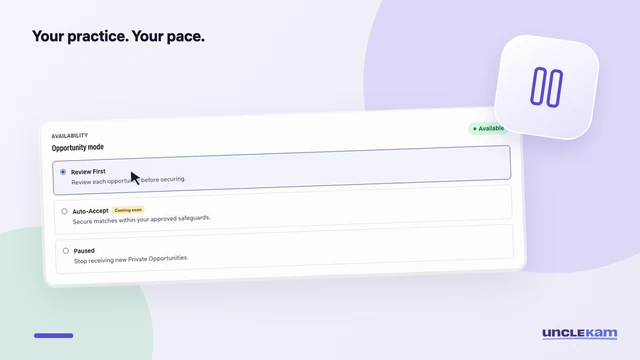
Give your practice room to breathe. Pause new opportunities, then switch back when you’re ready.
Tax Pro support
Short, task-based walkthroughs for the work you do in Uncle Kam.
Watch and learn
1:01Get set up
Give your practice room to breathe. Pause new opportunities, then switch back when you’re ready.
 1:03
1:03Get set up
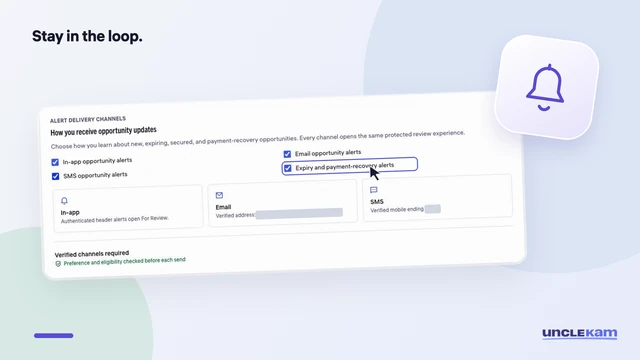
Choose how you hear about opportunities and understand what each SMS approval option does.
 1:18
1:18Find clients
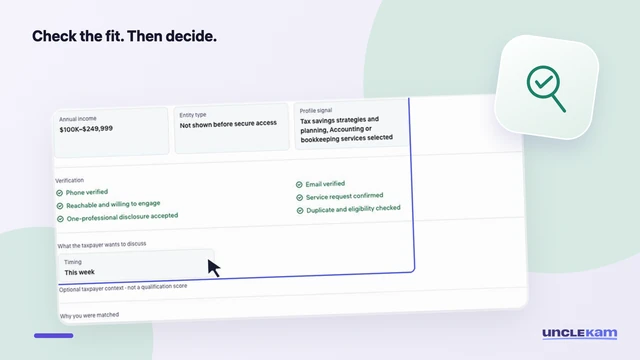
Check the request, fit, timing, and price before deciding. See how a previously secured opportunity appears.
 1:00
1:00Find clients
Find the right client record, review what you know, and prepare for a useful first conversation.
 1:05
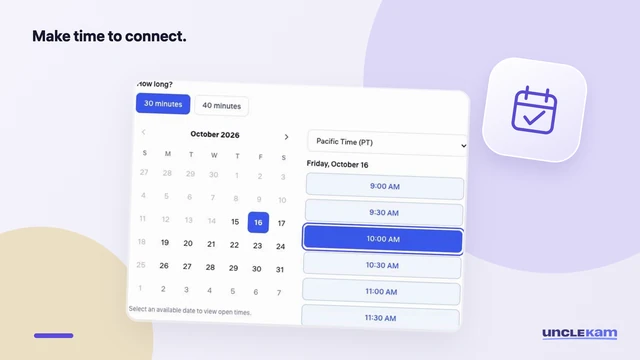
1:05Manage client work
Prepare a client meeting with a clear purpose, the right format and an agreed time.
 1:20
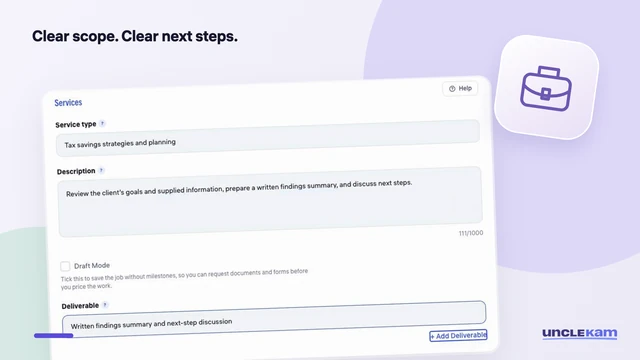
1:20Manage client work
Turn the agreed work into a clear scope, deliverables and milestones before submitting a contract.
 1:26
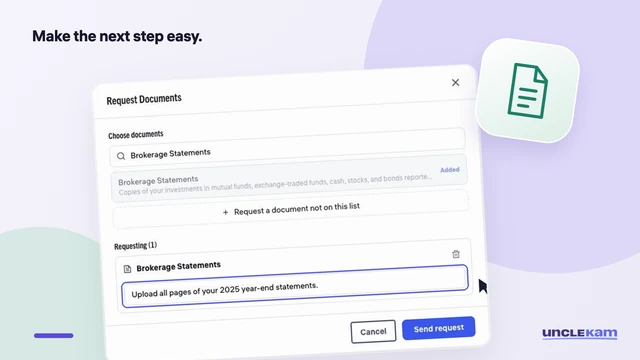
1:26Manage client work
Choose a form, explain the documents you need, and track what is still waiting on the client.
 1:15
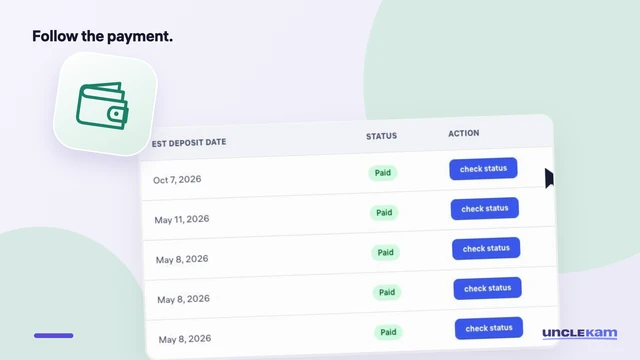
1:15Manage client work
Follow the difference between a funded milestone, an invoice marked Paid and a bank deposit.
 2:10
2:10Tax planning
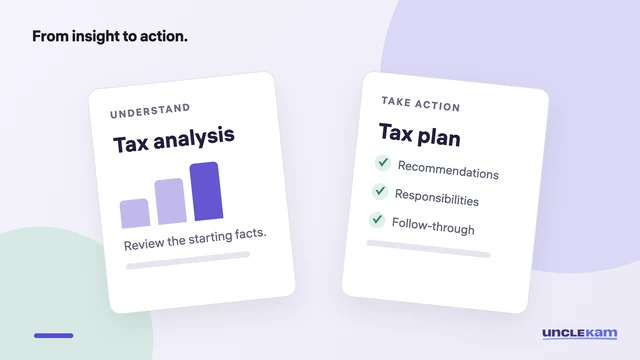
Explain what each deliverable does, review the assumptions, and agree on a practical next step.
No walkthroughs match that search. Try another task or .