
On this page
1. Open the Badges tab
Choose Settings → General → Badges. The captured page lists Verified, Rising Talent, Top Rated and Top Rated Plus. Read the earned count and the state of each badge.
The example account says You’ve earned 0 of 4 badges and shows locked badge icons. A second, separately captured account shows 4 of 4 earned with an earned date on each item. These are two account examples, not before-and-after evidence of progression.
2. Describe only the status you have
A badge name in the list is not itself an award. If an item remains locked, do not describe your profile as holding that badge. Likewise, completing profile fields does not establish that a badge has been granted.
Keep professional credentials precise in your profile. A platform badge is separate from a license, credential or regulatory status. Use the actual qualification you hold and keep it current rather than treating a badge label as a substitute.
3. Ask about a specific badge when needed
If you want to understand eligibility or an unexpected status, identify the badge by its exact name and note the state currently shown. Contact Help & Support with that focused question.
“My Badges tab shows Top Rated as locked. Where can I find the current eligibility criteria and review process for my account?”
Do not work toward an assumed numerical threshold or promised timeline. The captured badge list does not provide award criteria, automatic progression rules or a guaranteed review schedule.
4. Recheck before making a public claim
Before adding a badge claim to your website, profile or client materials, reopen the Badges tab and confirm the current state. If it differs from what you expected, resolve the discrepancy first and retain only accurate claims in your materials.
Common questions
Does 0 of 4 mean I have four badges?
No. The example says zero earned out of four listed badges. The locked icons reinforce that state.
Does a complete profile automatically earn Verified?
The observed badge page does not establish that. Profile completion and an awarded badge are separate states.
What are the thresholds for Top Rated Plus?
The captured page does not list thresholds. Ask Help & Support for the current eligibility criteria and review process for that named badge.
Learn more
Find account settings in each Uncle Kam tool
Locate practice and security controls without assuming settings synchronize.
Read guide
Share useful examples without exposing client information
Choose the right destination, crop and redact support images, and use fictional examples.
Read guide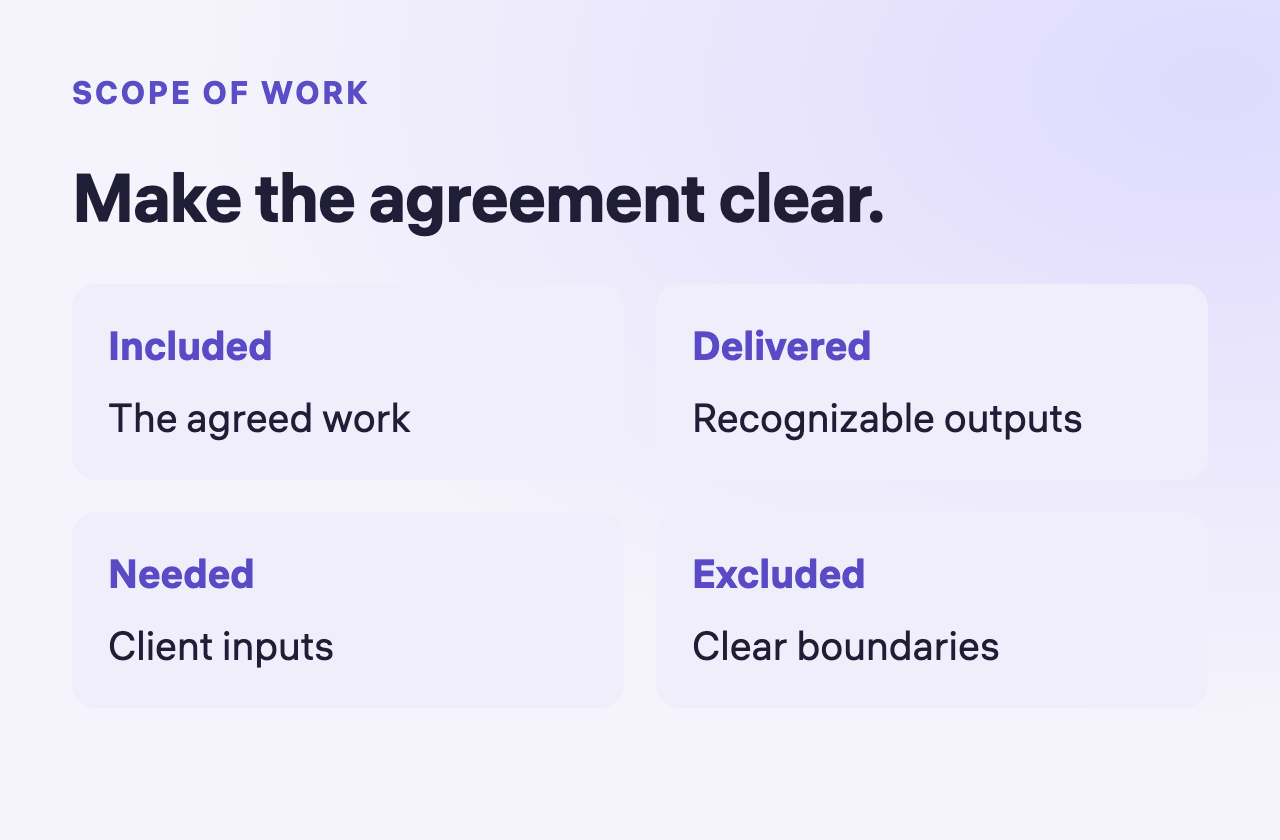
Prepare a contract and review its scope
Define the service, outputs and exclusions before reviewing the agreement.
Read guide