
Choose your funding
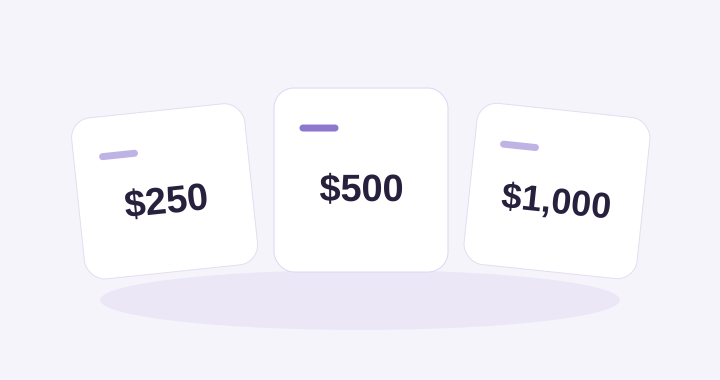
Start with $250, $500 or $1,000. No package is smaller than $250, and you can buy additional packages as needed.
Packages provide funding, not a set number of leads. $1,000 is not a total spending limit.
Compare funding packagesTax Pro support
Answers and walkthroughs for your
Uncle Kam Tax Pro workspace.
Pricing, budgets & control
Choose your funding, set a weekly cap, and decide how you accept new opportunities.
Start with $250, $500 or $1,000. No package is smaller than $250, and you can buy additional packages as needed.
Packages provide funding, not a set number of leads. $1,000 is not a total spending limit.
Compare funding packages
Choose an enforced spending cap that fits your practice. Use the planner to explore opportunity volume and potential client revenue.
Review conversion, the platform fee and your costs. A forecast is an estimate, not guaranteed income.
Explore the budget planner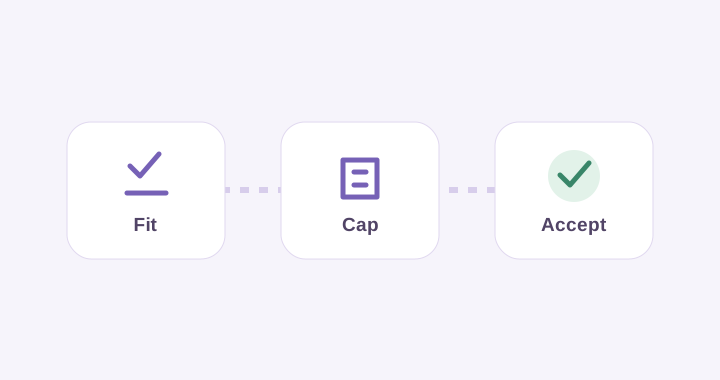
Auto-Accept is available. Learn how to authorize eligible opportunity purchases within your preferences and weekly cap.
Enable it when you’re ready. Buying funding does not turn it on or raise your cap.
Learn to set up Auto-AcceptUnderstand the platform fee. The 30% fee applies to client payments for Uncle Kam–supplied clients. This sourcing fee does not apply to clients you bring yourself.
See how the fee worksNeed a lead refund or payment help? See when a paid lead may qualify for credits back, plus funding-refund and cancellation help.
Lead refunds & payment disputes →Client work, connected
Keep client conversations, requested information, invoices and covered payments connected in Uncle Kam—so the next step is easier for everyone to find.
Keep work on Uncle Kam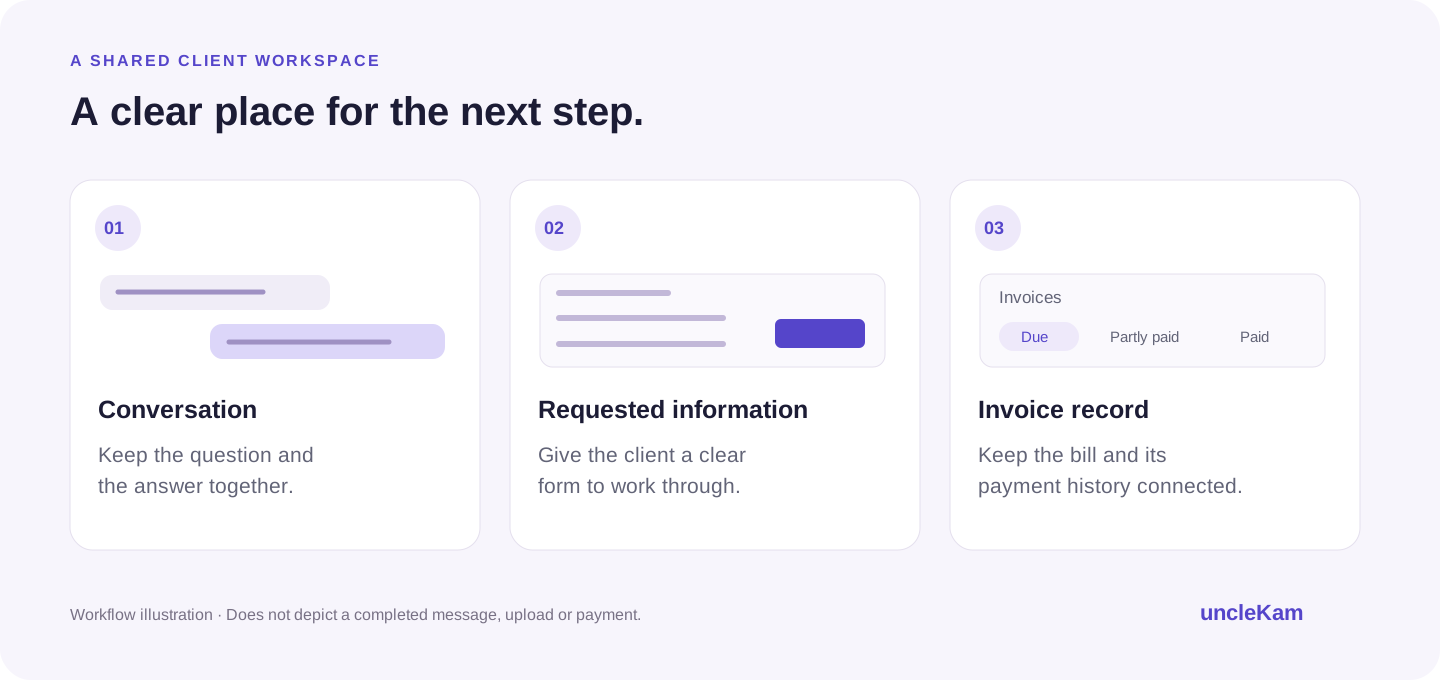
Explore the support center

Your workspace and first steps.

Preferences, alerts and decisions.

Packages, weekly budgets and purchase history.

Leads, messages and meetings.

Contracts, milestones and files.

Payouts, invoices and your plan.

Practice details and settings.

Tax plans, analysis and reports.

Courses, ebooks and coaching.

Account issues and safe sharing.
See it. Then do it.
Short walkthroughs that show you where to go and what to do.
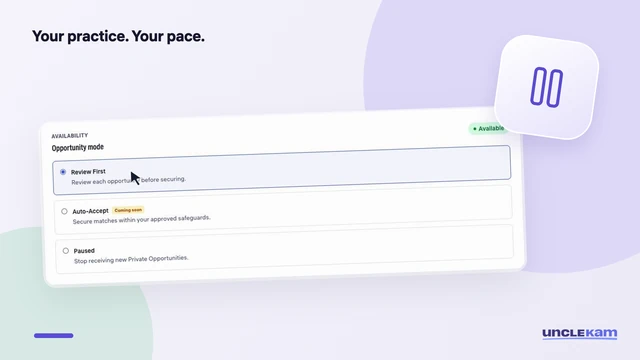
Give your practice room to breathe. Pause new opportunities, then switch back when you’re ready.
This recording shows an earlier interface. Auto-Accept is now available. See current setup guidance.
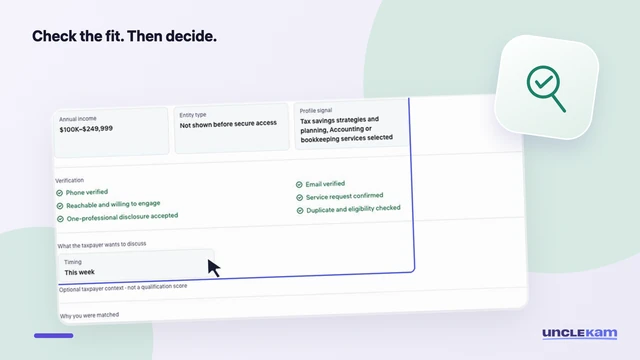
Check the request, fit, timing, and price before deciding. See how a previously secured opportunity appears.
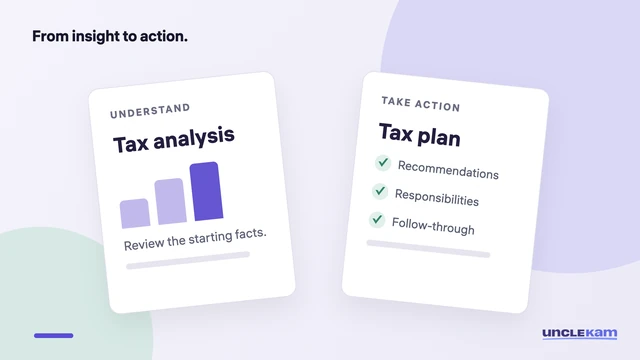
Explain what each deliverable does, review the assumptions, and agree on a practical next step.
Get help with your account, a charge or an issue you can’t resolve.