
On this page
1. Identify the offer and the issue
Start with the opportunity reference and the actual details shown on the offer. Describe the specific discrepancy: what was represented, what you observed and when you observed it.
Keep facts separate from conclusions. “The listed number returned this message at this time” is more useful than a broad allegation. Include contact-attempt dates only when they are relevant to the concern.
2. Understand what the status filter does
In Opportunities → Secured, Invalid / Disputed appears among the status-filter choices. A filter changes which records you view; its presence does not show that you submitted a request or that a review was decided.
Check the individual record and any acknowledgement you actually received. Do not use a status name as evidence of a refund, replacement opportunity or credited amount.
3. Prepare the supporting information
- The opportunity reference and relevant service requested.
- The specific statement or detail you want reviewed.
- A dated timeline of relevant events and contact attempts.
- The exact result, response or error you observed.
- A cropped, redacted screenshot only when it supports the issue.
- A clear request for investigation of the discrepancy.
Keep unrelated client financial details out of the report. Do not add private information merely to make a request appear more complete.
4. Distinguish request, decision and credit event
Review request
You ask for a specific issue to be investigated. Keep the acknowledgement if one is provided.
Resulting decision
Read the actual outcome. If it includes a credit adjustment, compare it with the separate Marketplace credit-history event.
A request does not by itself promise eligibility, a deadline, an approval or a refund amount.
Common questions
Is Invalid / Disputed a button for submitting a dispute?
No. The observed control is a status filter in Secured opportunities.
Does requesting review mean I will receive a refund?
No. A request, a review decision and a completed adjustment are different states.
What should my explanation focus on?
The specific offer detail, what actually happened, when it happened and the evidence relevant to that discrepancy. Avoid unrelated private information.
Learn more

Check a payment issue before trying again
Distinguish a declined attempt, pending entry and missing credits before starting another payment.
Read guide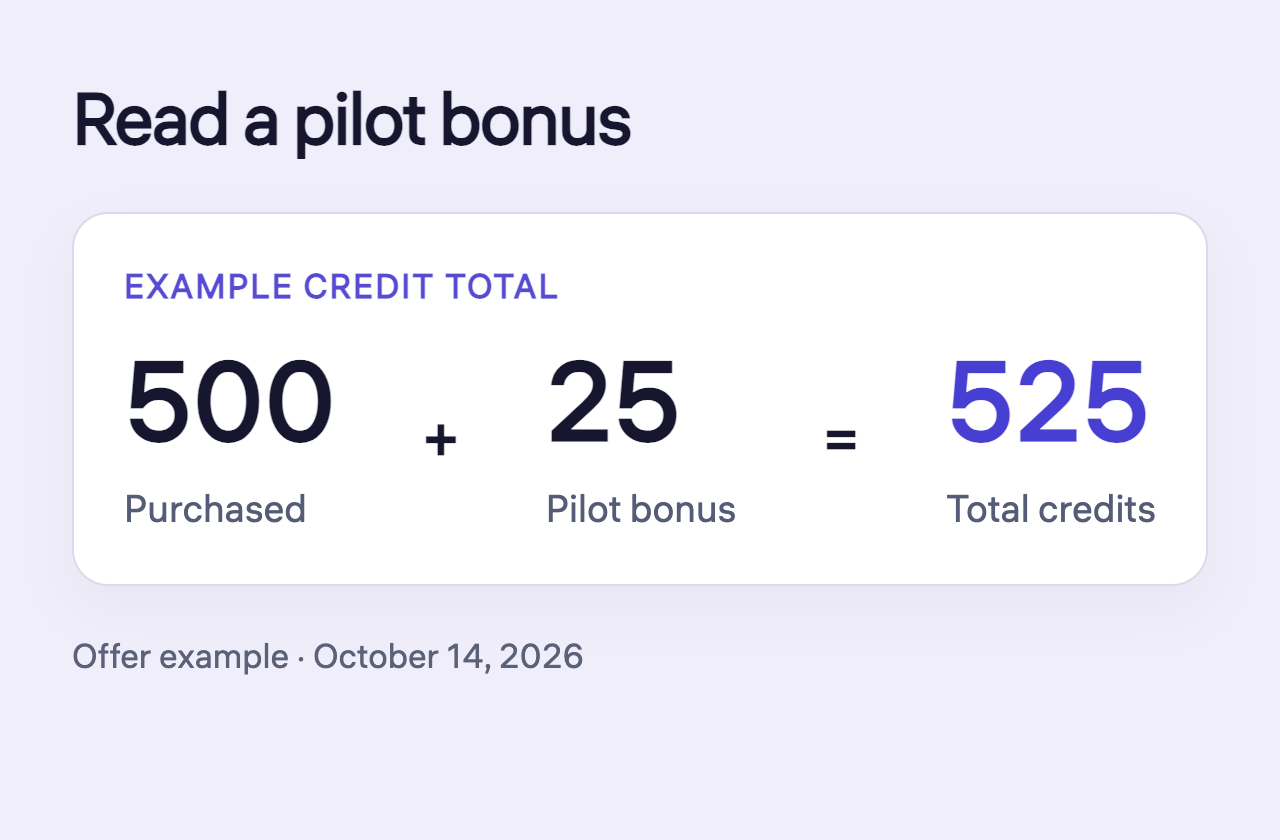
Read pilot bonuses and credit adjustments
Read purchased credits, a pilot bonus and the total without counting the bonus twice.
Read guide
Understand credits, prices and charges
Find the right money area and separate opportunity costs from revenue, subscriptions and training purchases.
Read guide