
On this page
1. Find the plan and usage panel
Open Billing → Overview. Read the plan name, subscription status and renewal information together. The PDF Downloads This Period counter shows used and remaining downloads for that account.
A displayed allowance belongs to the account and period shown. Do not use a screenshot’s number as the allowance for every plan. PDF usage is separate from opportunity credits and client earnings.
2. Inspect the individual invoice
Open Billing → Invoices. The list includes All, Unpaid, Partial and Paid filters. Open the relevant entry and inspect its details.
Use five questions: Who is paying? Who is being paid? What is the line item? What date applies? What amount and status are shown? A subscription fee payable to Uncle Kam is different from a receivable for work performed for your client, even if both appear beneath a general invoice heading.
In the pictured record, Description is Basic Plan and Payee is Uncle Kam. Those fields identify a plan charge even though the list’s introductory text refers to invoices issued to clients.
3. Keep a copy of the relevant record
Where the invoice detail offers Download or Print, check the preview or resulting file before using it. Make sure it contains the correct parties, description, date, amount and status.
For an unexpected charge, preserve the entry’s reference and line item. Do not send a different receipt just because its amount looks similar. Remove private details before using a record in a public example.
4. Review plan changes as a separate decision
Change Plan opens a plan comparison. Compare the billing period, total charge, included allowance and any additional fee or condition shown before choosing a plan.
Do not equate a monthly-looking figure with an annual total. Read any renewal, cancellation or prorating terms attached to the actual change. A PDF counter alone does not establish how or when an allowance resets.
A PDF counter says 2 of 10 used. That means the displayed counter has 8 remaining. It does not tell you the renewal date, reset rule or whether a different plan includes the same allowance.
Identify which charge you are reviewing
A subscription is separate from opportunity funding packages and opportunity purchases. The 30% platform fee on payments for Uncle Kam–supplied clients is another distinct charge.
Read the plan offered to your account, its billing period and its current terms. A funding package does not establish your subscription price or PDF allowance.
Common questions
Is every record in Invoices money a client owes me?
No. Read the payer, payee and line item. A plan fee payable to Uncle Kam is different from a client invoice for your services.
Is my PDF allowance my opportunity-credit balance?
No. They are separate counters for different product functions.
Should I use the plan price shown in a help screenshot?
Use the price and terms of the actual plan offer you are reviewing. Help examples are not a current offer.
Does a Paid label mean money is ready for payout?
No. First identify what the invoice represents. A paid subscription charge is not client revenue available for withdrawal.
Learn more
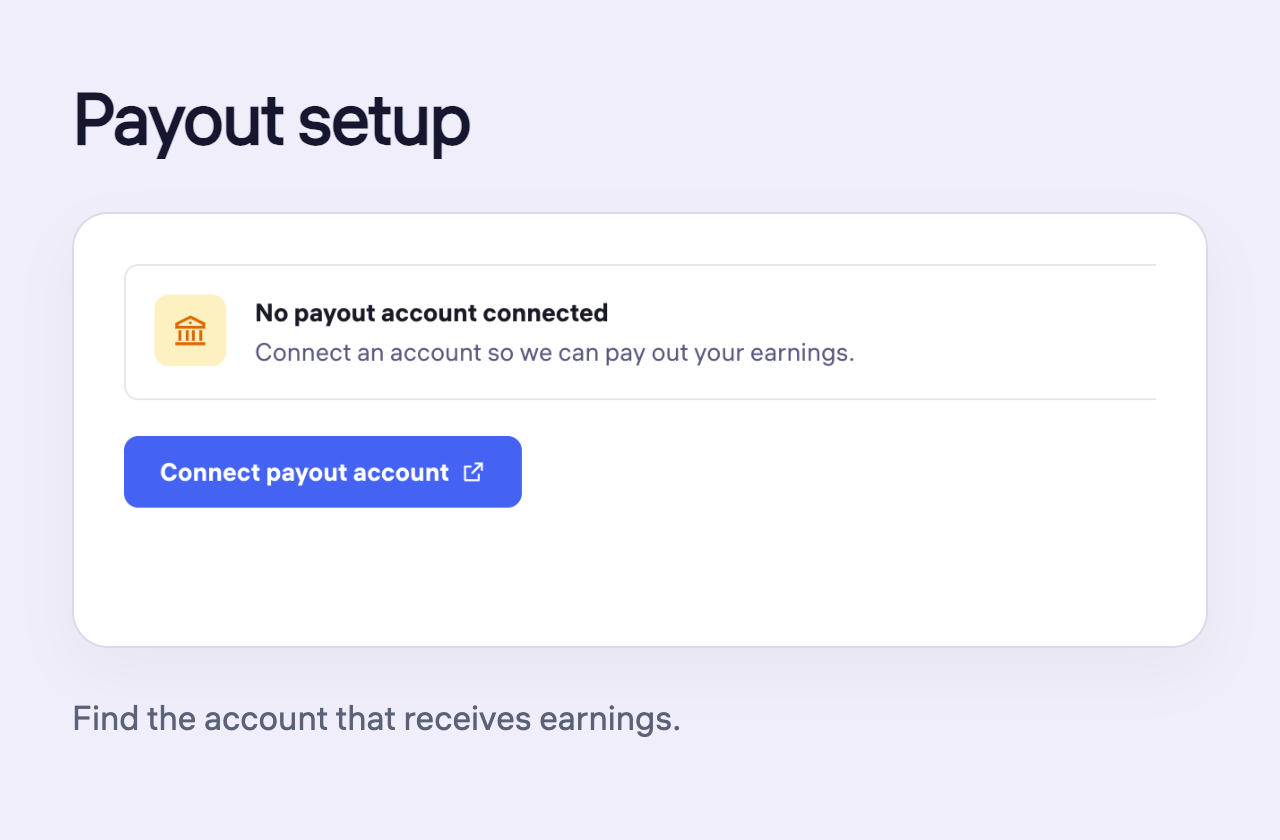
Find payout setup and payout history
Find the receiving-account setup and check payout-history filters and request status.
Read guide
Understand credits, prices and charges
Find the right money area and separate opportunity costs from revenue, subscriptions and training purchases.
Read guide
Review a credit refill before paying
Compare pack value, payment amount and the purchase-review summary before authorizing a refill.
Read guide