
On this page
Check the offer you are deciding on
Open the offer from For Review and read the requested service, match explanation and current status. Verify that the offer is still available. Expired offers can have different recovery options and totals.
Make sure you can take on the work and that the request fits your practice. Do not assume a qualification label means a contract has been agreed.
Read the amount at the decision point
Review the price and any additional amount shown for the specific action. Opportunity credits are separate from your client revenue and payouts. Check Settings → Opportunities → Billing & Credits for the opportunity balance and credit history.
If you use SMS approval, remember that SMS Instant Accept is described as authorizing an immediate purchase when you reply YES to an eligible message. Secure-Link Approval is a different choice.
The image below illustrates why status matters: it shows an expired recovery option, including a Reclaim fee and a Get it back button. It is not the standard acceptance flow for a new offer.
If an attempt is interrupted
Do not assume an interrupted screen means no action occurred. Check Opportunities → Secured and Marketplace credit history before repeating a payment action.
Keep the opportunity reference, the time and timezone, the amount, and the exact message you saw. A sanitized screenshot of the issue is more useful than an unrelated client document.
Separate the outcomes
Opportunity decision
Whether access to this particular opportunity has been secured.
Client engagement
The scope, agreement and work you may arrange with the client afterward.
Securing an opportunity is not the same as having a signed job or completed client engagement.
Common questions
Does opening an offer mean I accepted it?
No. The For Review interface distinguishes viewing an offer from securing it and states that viewing is not charged.
Does a visible name mean acceptance succeeded?
No. Check the opportunity status and available contact fields; a name alone is not proof of a completed decision.
What if I cannot tell whether the action completed?
Check Secured and credit history before repeating the action. Keep the reference, timestamp and exact on-screen message so the attempt can be investigated.
Learn more

Review an opportunity before deciding
Review the request, qualification details, status and total.
Read guide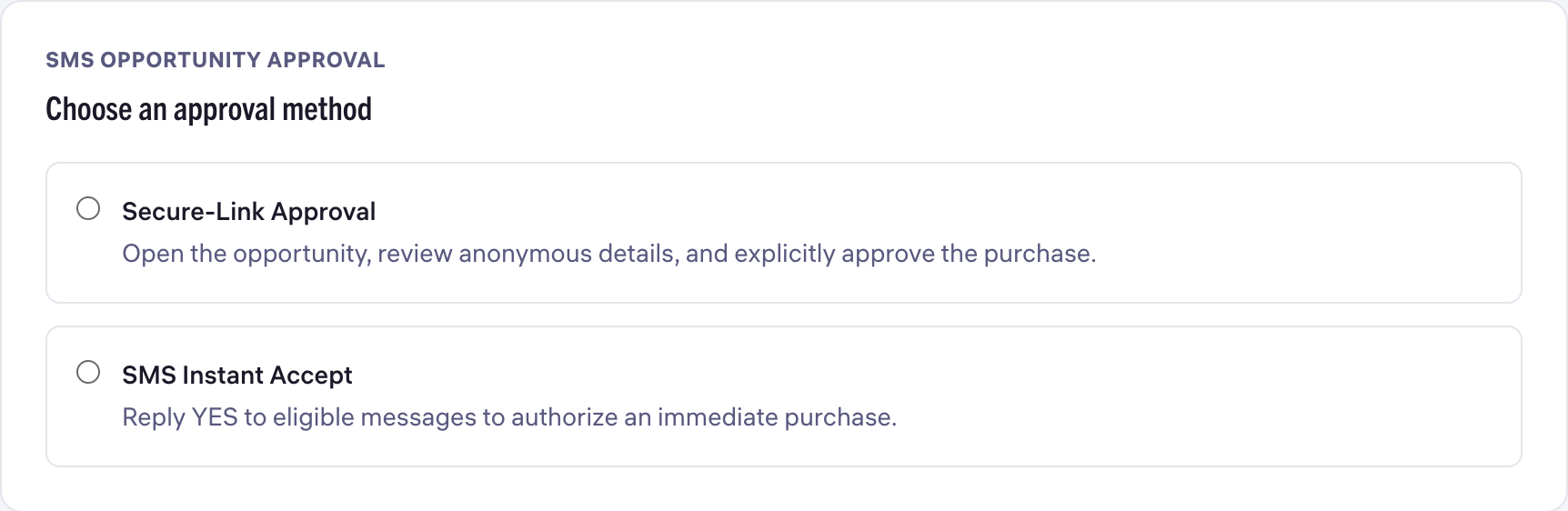
Choose opportunity alerts and SMS approval
Separate notification channels from SMS purchase approval.
Read guide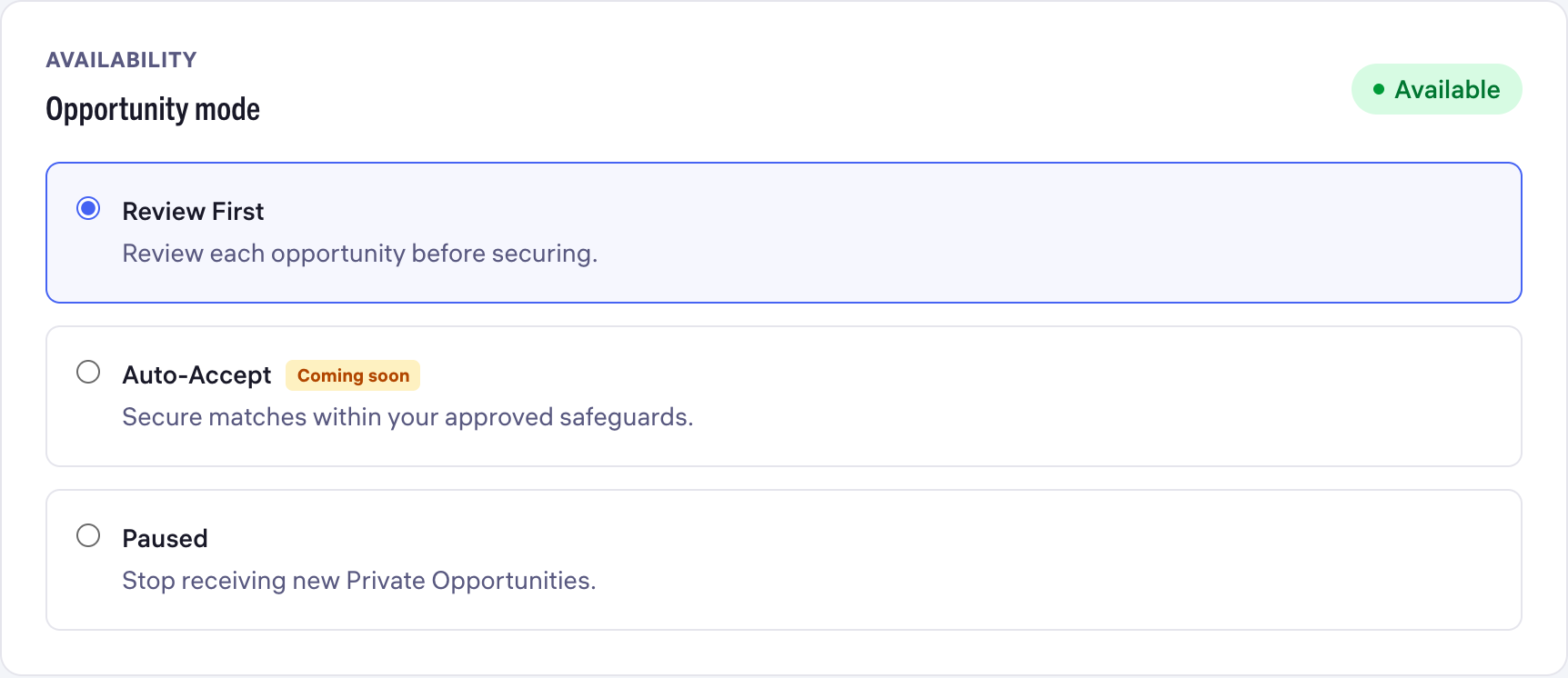
Set your opportunity preferences
Choose services, availability, capacity and a weekly safeguard.
Read guide