
On this page
1. Open For Review
Choose Opportunities in the main sidebar, then select the For Review tab. This is the active offer list. Open an available offer to inspect its details.
See the wider For Review screen
If the list says No opportunities to review, there are no active offers displayed here. Use Review your matching preferences → to check the services and capacity you have chosen. Changing preferences does not guarantee a new offer.
If your account also shows Expired offers, treat that as history. An expired item is not a new offer waiting for a normal decision.
2. Read the work and the match explanation
Read the requested services first. Then review Annual income, Profile signal and Consultation where shown. Read Why this was matched to you for the signals associated with the offer.
In the expired example below, the request includes tax planning and bookkeeping, the income band is $100K–$249,999, and the consultation is Virtual. Those details help you assess fit; they do not define a final scope of work or guarantee the client will hire you.
3. Read qualification and contact status separately
The pictured panel lists Phone verified, Email verified, Reachable and willing to engage, Service request confirmed, One-professional disclosure accepted and Duplicate and eligibility checked. Read the actual labels on each offer; checks can differ.
In the separate Contact details panel, Email and Phone are both Locked. The interface describes unlocking after the opportunity is secured. A verification checkmark does not mean contact access has already been released.
4. Check status, timing and the total
Read the current status and expiration before considering a purchase. For an available offer, check its current price. If an expired offer has a recovery option, include the Reclaim fee when reading its Total.
The expired example below shows a $349 opportunity price plus a $25 Reclaim fee, for a $374 Total. Its action is Get it back. These are example recovery terms, not standard pricing for every offer.
The For Review screen states that viewing an offer is not charged. Keep opening and reviewing separate from an action that authorizes a purchase.
Example: a service fits, but the timing does not
A client requests bookkeeping, which you provide. Your practice is already at its intended capacity for the month. The service is a fit, but capacity is still a reason to pause and assess the request before spending. A verified phone or email does not resolve that workload constraint.
Common questions
What should I check before accepting?
Check requested services, your capacity, qualification details, the current status and deadline, and the total amount associated with the decision.
Does a verified contact guarantee a paying client?
No. Contact verification does not establish your engagement scope, the client’s decision to hire you or the eventual outcome.
Why are contact fields locked?
The opportunity interface separates review information from contact access and describes contact release after successful securing. Read the actual status; do not infer release from a visible name.
Learn more
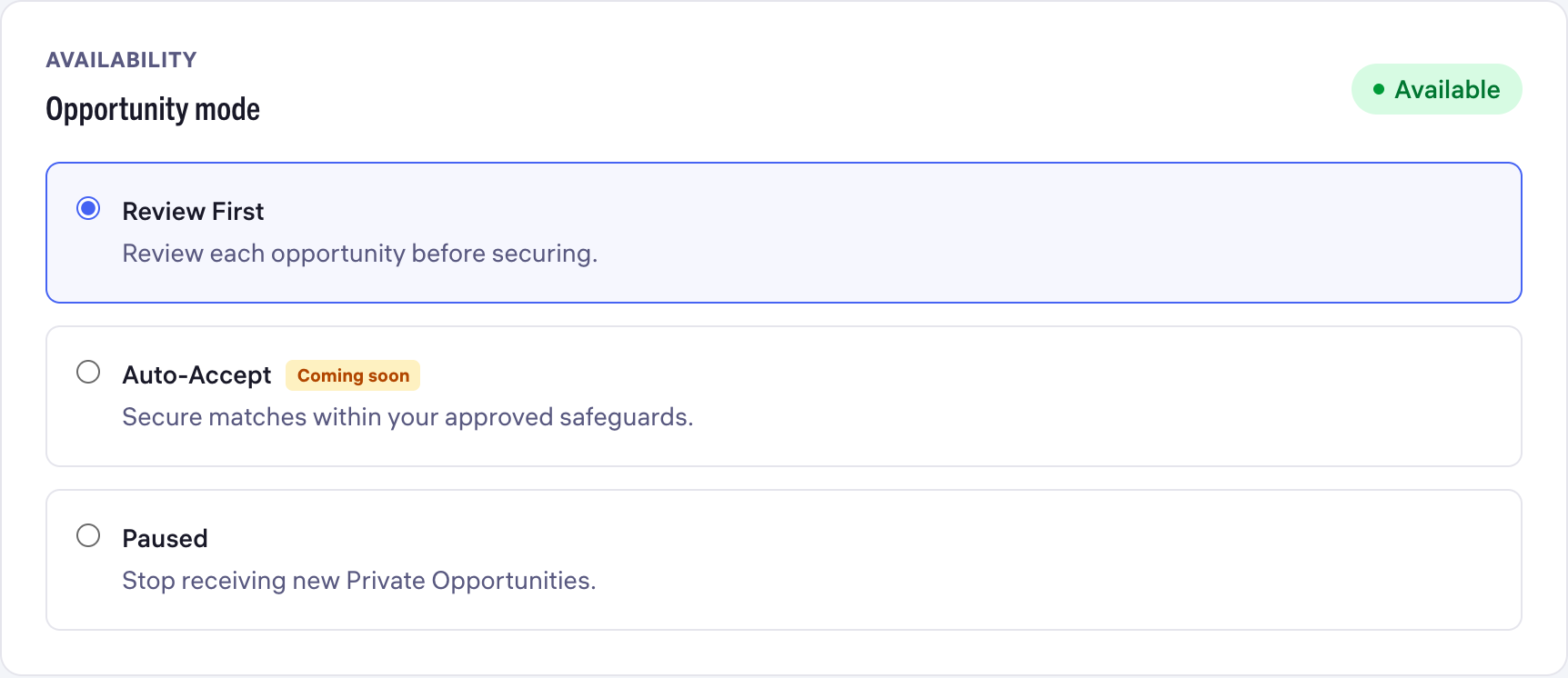
Set your opportunity preferences
Choose services, availability, capacity and a weekly safeguard.
Read guide
Before you accept an opportunity
Check fit and cost, and know where to look if a decision is unclear.
Read guide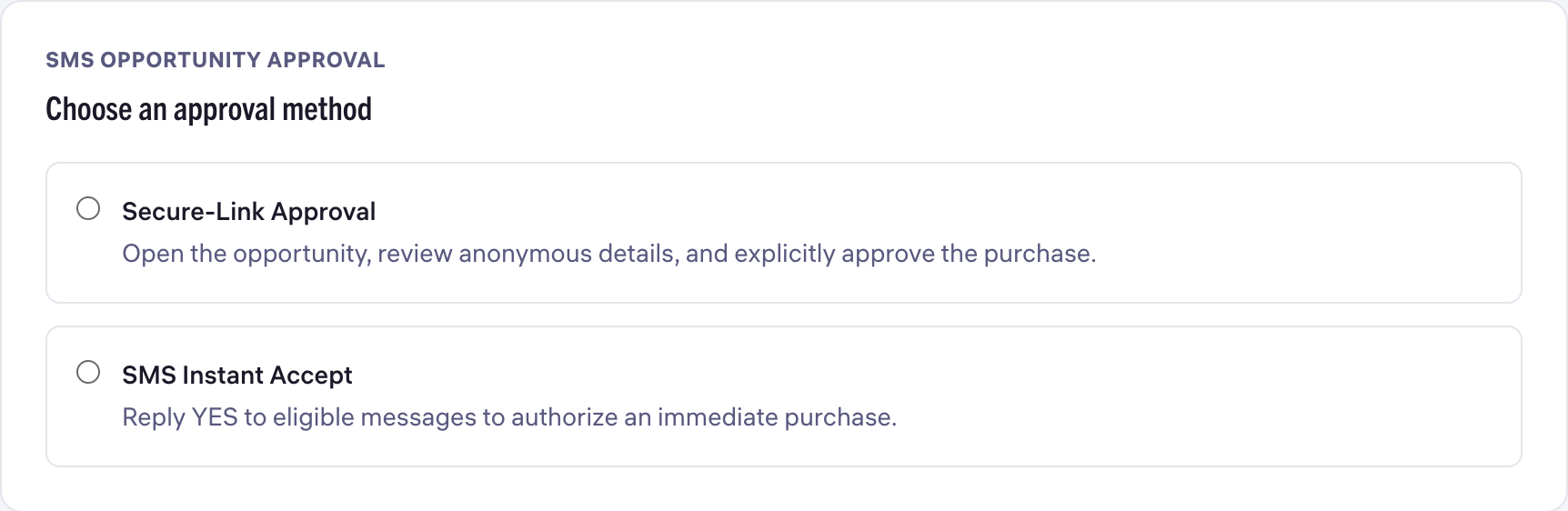
Choose opportunity alerts and SMS approval
Separate notification channels from SMS purchase approval.
Read guide