
On this page
1. Find the low-balance option
Open Billing & Credits in Opportunity Settings. Find Optional settings → Stay ready without surprises.
The checkbox Email me when my balance gets low. controls the email preference. It is separate from opportunity-arrival notifications under Alert Settings and from the card used to buy credits.
2. Save an intentional change
Select or clear the low-balance email checkbox according to your preference, then use Save settings when it is enabled. Reopen Billing & Credits to check that the intended selection remains.
If the screen shows no unsaved change, Save settings may be disabled. If a changed selection does not persist, record the exact message and setting. Do not assume that a disabled button means a payment occurred.
3. Do not rely on automatic replenishment
Automatically top up my balance. is marked Coming soon. Do not depend on it to keep your opportunity balance funded while that status is displayed.
Choose a credit pack and review the payment when you decide to add credits. A saved card, an enabled email preference or a selected pack is not evidence of an active recurring top-up.
4. Investigate a missing email separately
Check the saved email preference and the inbox associated with the account, including filtering or spam. Record when you expected the alert and what the balance showed.
A balance-alert email is a notification, not a payment receipt. Do not change payment authorization settings just to troubleshoot notification delivery.
Three settings with different jobs
Low-balance alerts notify you about your balance. Auto-Accept authorizes opportunity purchases within your saved preferences and weekly cap. Automatic refills, if separately offered and authorized, replenish funding.
Turning on an alert or Auto-Accept does not by itself authorize automatic card refills. Review each setting and its payment authorization separately.
Common questions
Does choosing a pack enable automatic reload?
No. Pack selection explicitly says it does not enable automatic replenishment.
Will automatic top-up refill my balance now?
Do not rely on it while the control is marked Coming soon.
Is a low-balance email a payment confirmation?
No. Check payment results and Marketplace credit history for purchase activity.
Why is Save settings disabled?
It can be disabled when no unsaved change is present. Change only the preference you intend to change, then check the control and any displayed message.
Learn more
Review a credit refill before paying
Compare pack value, payment amount and the purchase-review summary before authorizing a refill.
Read guide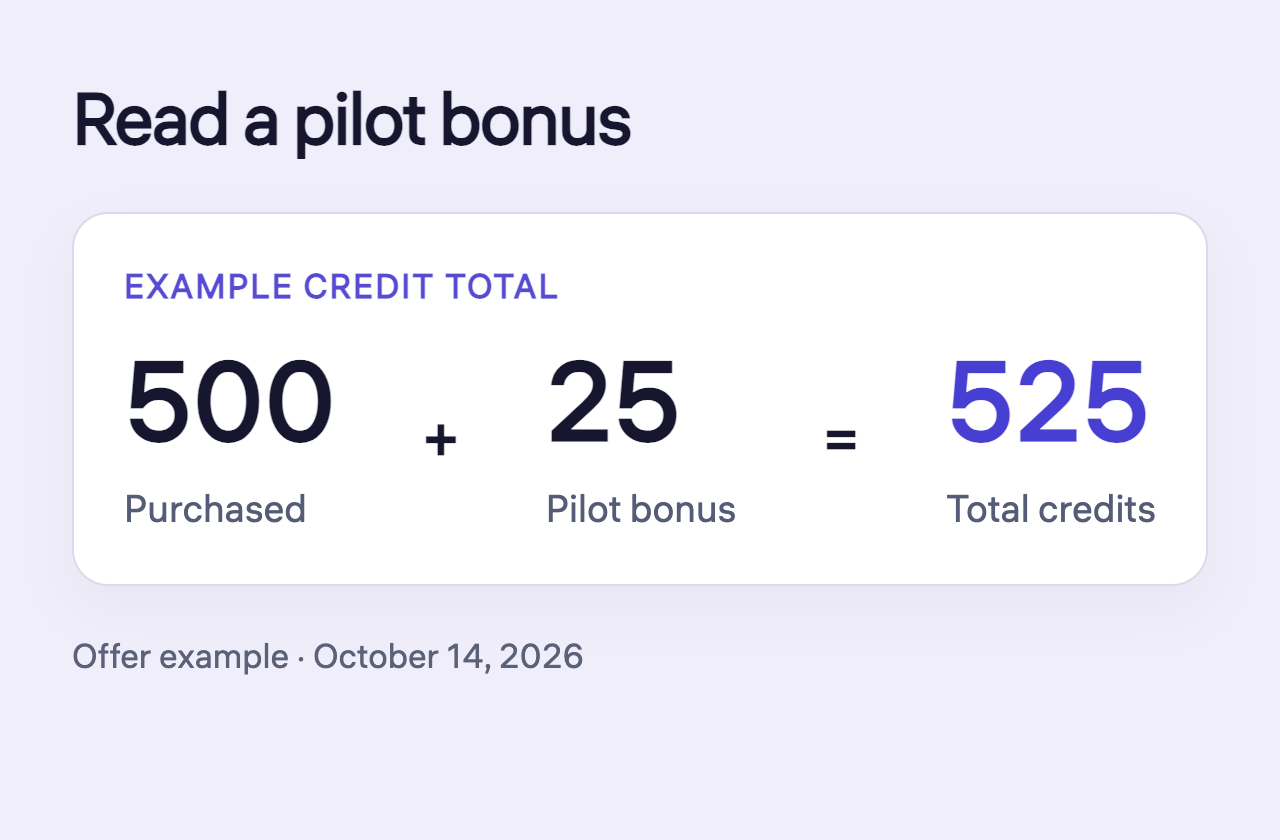
Read pilot bonuses and credit adjustments
Read purchased credits, a pilot bonus and the total without counting the bonus twice.
Read guide
Check a payment issue before trying again
Distinguish a declined attempt, pending entry and missing credits before starting another payment.
Read guide