
On this page
Find the right money area
| You want to understand… | Start here |
|---|---|
| Credit packs, saved cards or credit activity | Settings → Opportunities → Billing & Credits |
| The price of an individual opportunity | Open that opportunity and read its amount and status. |
| Client earnings and withdrawals | Billing → Overview or Payouts |
| Account plan and PDF usage | Billing → Overview |
| An invoice or receipt | Billing → Invoices; inspect the individual entry. |
| A course or ebook purchase | The training area’s Store or Settings → Billing History |
Read the amount for the decision you are making
The price of a particular opportunity is different from the amount of a credit refill. Read the offer’s status, requested work, price and any additional fee before deciding.
For an expired offer with a recovery option, inspect Opportunity price, Reclaim fee and Total. Do not reuse an earlier price or assume every expired offer can be recovered. Opening an offer for review is distinct from authorizing a purchase.
Separate credits from currency
Read the units beside every number. A pack can show a payment in dollars and a credit value as a count. A pilot bonus can make those numbers different. The wallet itself may display a currency-formatted value; that formatting does not turn it into client earnings or a withdrawable payout balance.
Use the selected offer and purchase review to understand the transaction. Do not calculate a permanent conversion rate, refund amount or withdrawal amount from one example.
Use credit history to investigate credit activity
Open Marketplace credit history below the purchase and optional-settings panels. Read the available entries alongside the current balance. If it says No credit activity yet, that view has no entries to inspect.
For an unfamiliar amount, record the product area, reference if shown, date and timezone, amount, status and exact description. A subscription invoice or payout record is not a substitute for a credit-history entry.
You see a plan charge in Billing → Invoices and a different number under Opportunity credits. These belong to different records. First identify what each entry describes; do not assume one amount should have increased the other.
Separate the three kinds of cost
Opportunity purchases: the price of securing access to an opportunity. Opening it for review is not the purchase.
Client-payment platform fee: 30% on payments for Uncle Kam–supplied clients, separate from the opportunity purchase. This sourcing fee does not apply to clients you bring yourself.
Account and other charges: applicable subscriptions, payment-processing charges and other services have their own terms and records.

See pricing and opportunity credits · Plan a weekly opportunity budget
Common questions
Are opportunity credits my earnings?
No. Opportunity Billing is separate from the client earnings and payout areas.
Are all opportunities priced the same?
Do not assume that. Read the price and any additional fee on the specific offer before deciding.
Does a balance formatted with a dollar sign mean I can withdraw it?
No. First identify which balance it is. Opportunity credits and the client-payout balance are separate areas with different purposes.
Where should I look for a credit adjustment?
Start with Marketplace credit history in Billing & Credits. Match the entry’s description and reference to the issue being reviewed.
Learn more

Review a credit refill before paying
Compare pack value, payment amount and the purchase-review summary before authorizing a refill.
Read guide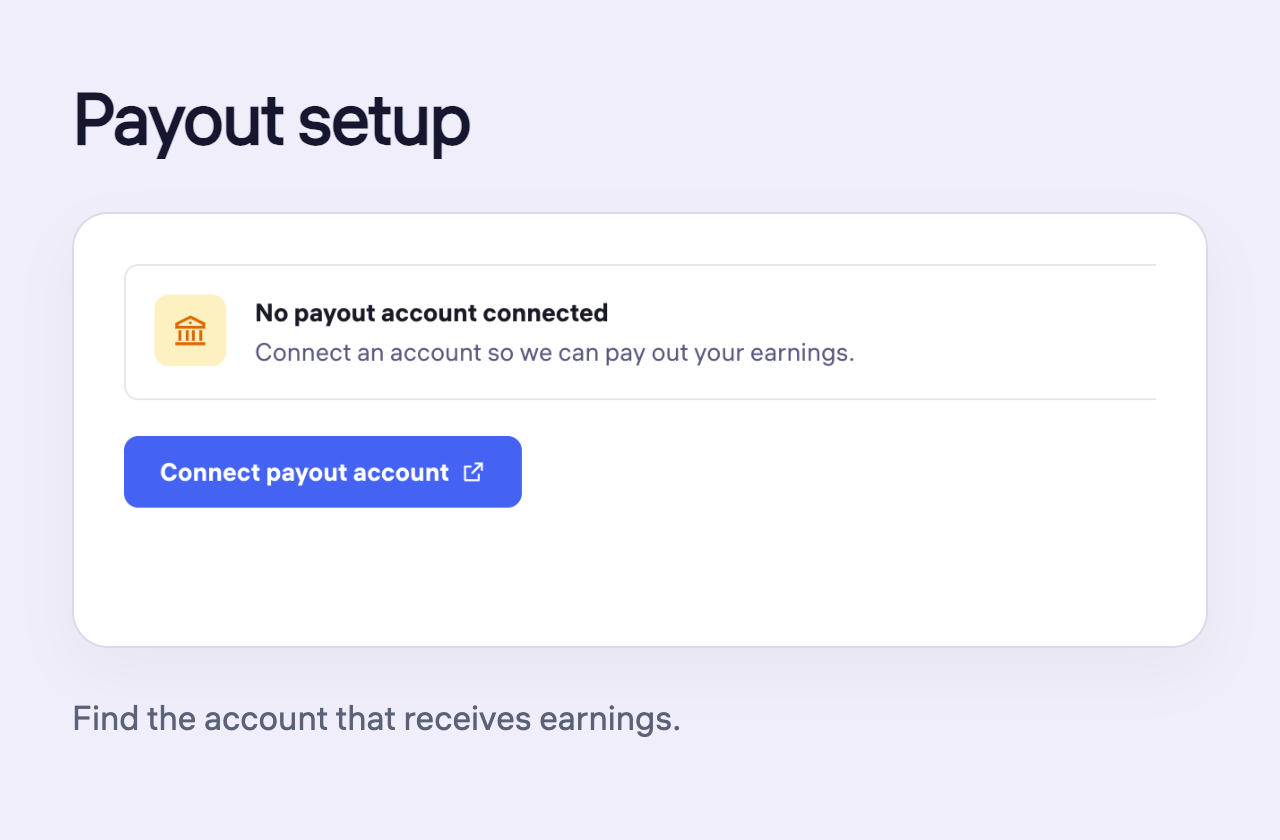
Find payout setup and payout history
Find the receiving-account setup and check payout-history filters and request status.
Read guide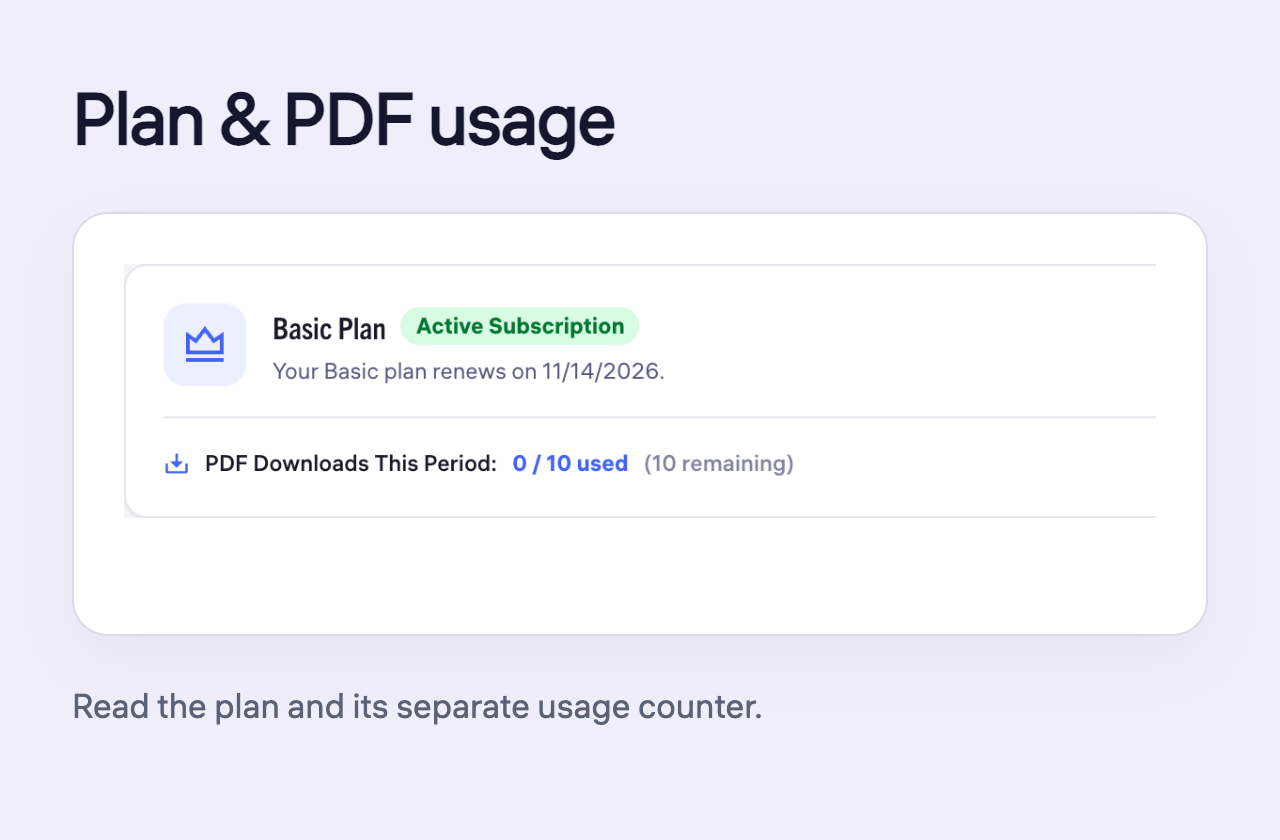
Read your plan, invoices and PDF usage
Identify what an invoice represents and read the plan and PDF usage for your account.
Read guide